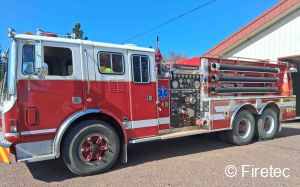
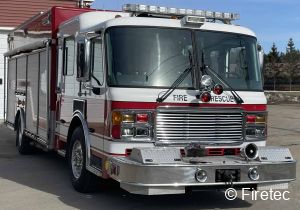
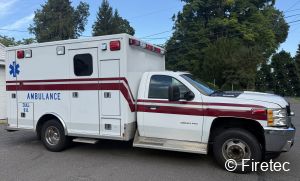
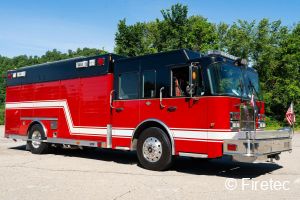







Experience Matters When Selling Your Apparatus
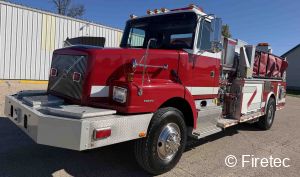
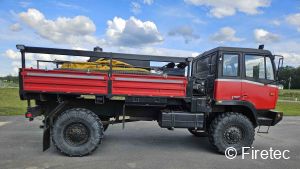
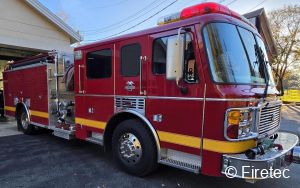
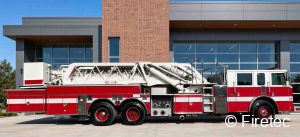
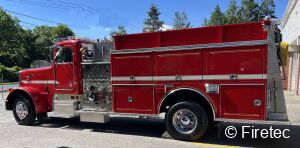
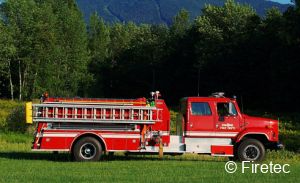
Before online platforms made used fire apparatus sales look like a new idea, Firetec was already doing the work — evaluating trucks and helping fire departments buy and sell quality used fire apparatus at fair market value.
Some companies discover the market. Firetec helped build it.
Experience, trusted relationships, and real fire apparatus expertise cannot be launched. They are earned over decades.
A Specialized Market Requires a Specialized Partner
Selling a fire truck is different from selling other types of equipment. It requires understanding fire departments, their decision-making process, and the unique needs of the fire service.
Firetec focuses exclusively on used fire apparatus. We don’t divide our attention among construction equipment, commercial trucks, or other machinery. Our buyers come to Firetec specifically because they are looking for fire trucks.
That focused approach means your apparatus is presented to a targeted audience of qualified buyers—not simply placed in a general marketplace and left waiting.
We appreciate the opportunity to put our expertise, relationships, and knowledge of the fire apparatus market to work for your department.
Ready to get started? Submit your apparatus information and we will get right to work!
|
Once listed, Firetec® will send text and email alerts to Waiting Buyers, with a link directly to your apparatus on our website. In addition, your apparatus will be promoted in our weekly Hot Sheet e-blast and via social media.
Not sure what to ask? We’ll help with that, too, using actual sales data. Fire apparatus is a specialized, niche market with very few publicly reported sales, so there is no reliable public price guide like there is for cars or real estate. Without verified comparable transactions, valuation tools can only estimate value from limited public information. Firetec combines decades of real-world fire apparatus sales data, depreciation analysis, and industry expertise to deliver a more informed valuation. Real experience. Real apparatus sales data.
The Alerts & Hot Sheet are sent to Firetec’s® exclusive list of fire truck buyers and Firetec has over 30,000 Facebook followers.
We are experts at putting your surplus unit before fire departments which need good used fire & rescue apparatus! We’ll notify you about all interested parties. Serious buyers will call you directly to arrange in-person inspections. It’s your apparatus, so you have the right to accept, decline or counter any offer.
|
|
|